A useful social graphic starts with a clear message, not with a long list of effects. Before opening an image tool, decide what the viewer should notice first: the product, a headline, an event or a mood. Then choose the channel and the intended crop. A square post and a wide banner need different amounts of empty space.
Start with a reference you have permission to use. A product photo, a team-owned illustration or a simple background can provide a concrete starting point. Avoid uploading private customer material or a photograph whose usage rights are unclear. If the goal is a product announcement, write down which details must remain recognizable and which parts may change.
Describe the edit as a small set of decisions. For example: keep the product central, simplify the background, leave open space on the left for a headline and use soft directional lighting. This is more actionable than “make it professional.” Separate the subject from the composition and the style. If the first result feels wrong, revise one of those layers at a time.
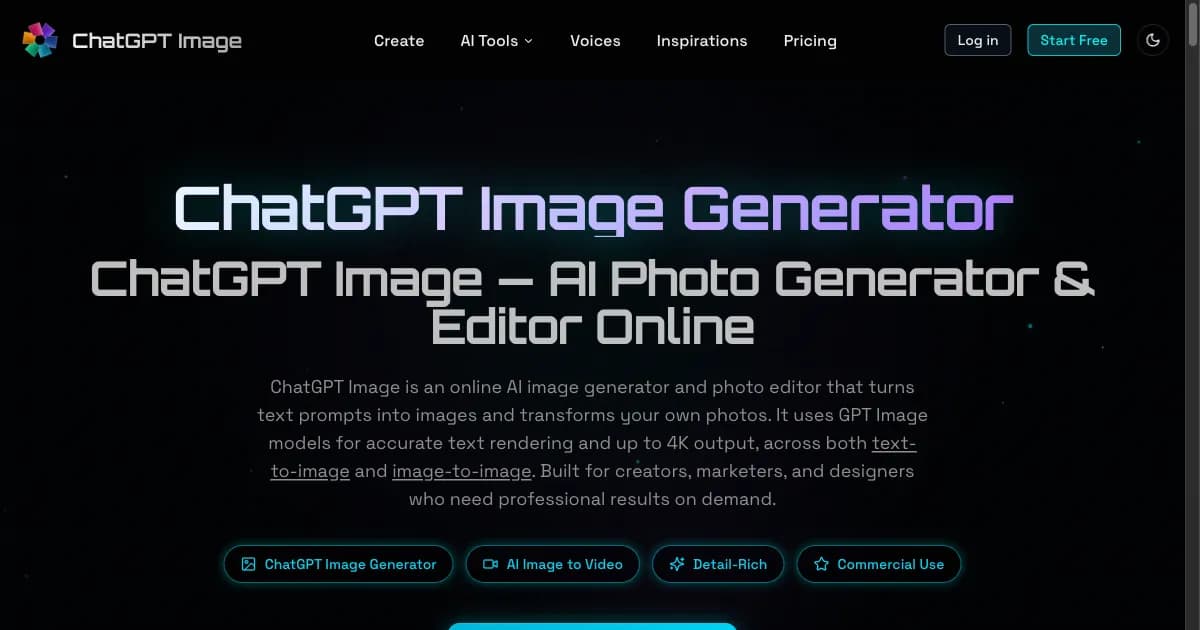
ChatGPT Image offers a browser workspace for image generation and reference-photo editing. A written brief can become an initial visual concept, while a reference photo can guide an edit. The available model and aspect-ratio controls let creators try different directions. Model capabilities vary, so choose settings for the specific job rather than assuming every model behaves the same way.
Treat the first output as a draft. Check the product shape, important labels, edges and any hands or faces that appear. An attractive background does not compensate for an inaccurate product. If text is difficult to read, use a simpler image composition and add the final approved headline in your layout workflow. Keep a copy of the original reference so you can compare changes.
Next, test the graphic at the size people will actually see. A detail that looks strong on a large monitor may disappear in a mobile feed. Leave room for the platform’s interface and check the crop near the edges. If you need several formats, keep the central idea consistent but adjust the composition for each format instead of stretching the same image.
Finally, review the message as well as the pixels. Do not imply a real customer endorsement, location or product feature that the image only invented. Keep factual claims separate from creative illustration. A short review checklist—rights, subject accuracy, legibility, crop and truthful context—helps turn an exploratory image into a usable publishing asset.
This guide was prepared by the ChatGPT Image product team with AI assistance. Explore the image-generation and reference-editing workspace at https://www.chatgptimage.app/