Shopify handles hosting, platform updates and the core checkout. Everything you add on top is your job. Apps, theme edits, tracking scripts and custom code all drift over time, and most store owners notice only when a broken checkout or a slow page costs real orders.
A routine fixes that. If you’d rather hand it off, a Shopify Development Agency can run the whole checklist below for you. If you prefer to do it yourself, here’s what to check and when.
What Shopify Covers and What It Doesn’t
Shopify keeps the platform online and patched. It doesn’t test your theme after an app update. It doesn’t tell you a discount code stopped applying. It doesn’t clean up the three apps you installed last year and forgot about.
That gap is where most store problems start.
Weekly Checks (15 Minutes)
Keep this short so you actually do it.
Place a test order from start to finish on desktop and mobile. Use a real product and a real payment method, then refund it.
Check that your discount codes and shipping rates still work.
Scan your order and email notifications for anything odd, like missing confirmations.
Look at your analytics for sudden drops in traffic or conversion rate. A sharp dip usually means something broke.
Monthly Checks
Once a month, go deeper.
Apps. Open your app list and ask what each one does for you. If you can’t answer, remove it. Unused apps often leave code behind in your theme, which slows pages down.
Speed. Run your homepage, a collection page and a product page through PageSpeed Insights. Compare against last month. Large unoptimized images and heavy scripts are the usual culprits.
Broken links and 404s. Review your 404 report in the admin. Set up redirects for any old product or collection URLs that still get traffic.
Product data. Check for products with missing images, empty descriptions or wrong prices. Customers notice these before you do.
Staff accounts. Remove access for anyone who no longer works with you, and keep permissions as narrow as the job allows.
Quarterly Checks
These take more time, and they’re the ones people skip.
Back up your store data. Shopify doesn’t give you a one-click restore of your whole store. Export your products, customers and orders, or use a backup app, so a bad import or deleted collection doesn’t become a disaster.
Review theme code. Old edits, leftover app snippets and duplicate scripts pile up. Cleaning them out keeps the theme stable and makes future updates easier.
Audit tracking. Confirm your analytics, ad pixels and conversion events still fire correctly. Broken tracking quietly wastes ad spend because you’re optimizing against bad numbers.
Test checkout edge cases. Try international addresses, multiple discount types, gift cards and different shipping methods. Real customers hit these combinations. Test stores rarely do.
When It’s Worth Handing Off
A checklist works until the store gets busy. Once you run custom theme code, several integrations or regular promotions, one missed update can take sales down for days. Ongoing Shopify Maintenance Services cover the routine work, fix issues when they appear and keep updates from breaking what already works.
The test is simple. If an hour of downtime would cost you more than a month of upkeep, you shouldn’t be relying on memory and good intentions.
A Simple Routine to Start With
You don’t need to do everything at once. Start here:
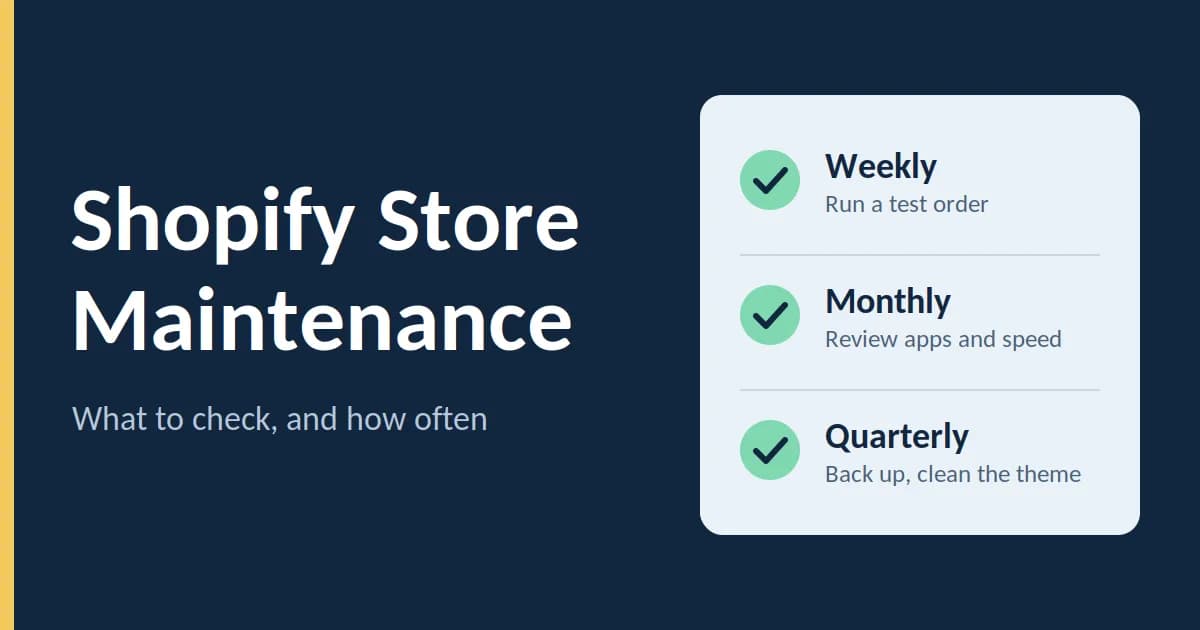
Add a 15-minute weekly test order to your calendar.
Do an app and speed review on the first of each month.
Book a quarterly half day for backups, theme cleanup and tracking checks.
Stores that stay healthy aren’t lucky. They get looked at on a schedule, and small problems get fixed before customers see them.